
Scan the QR code
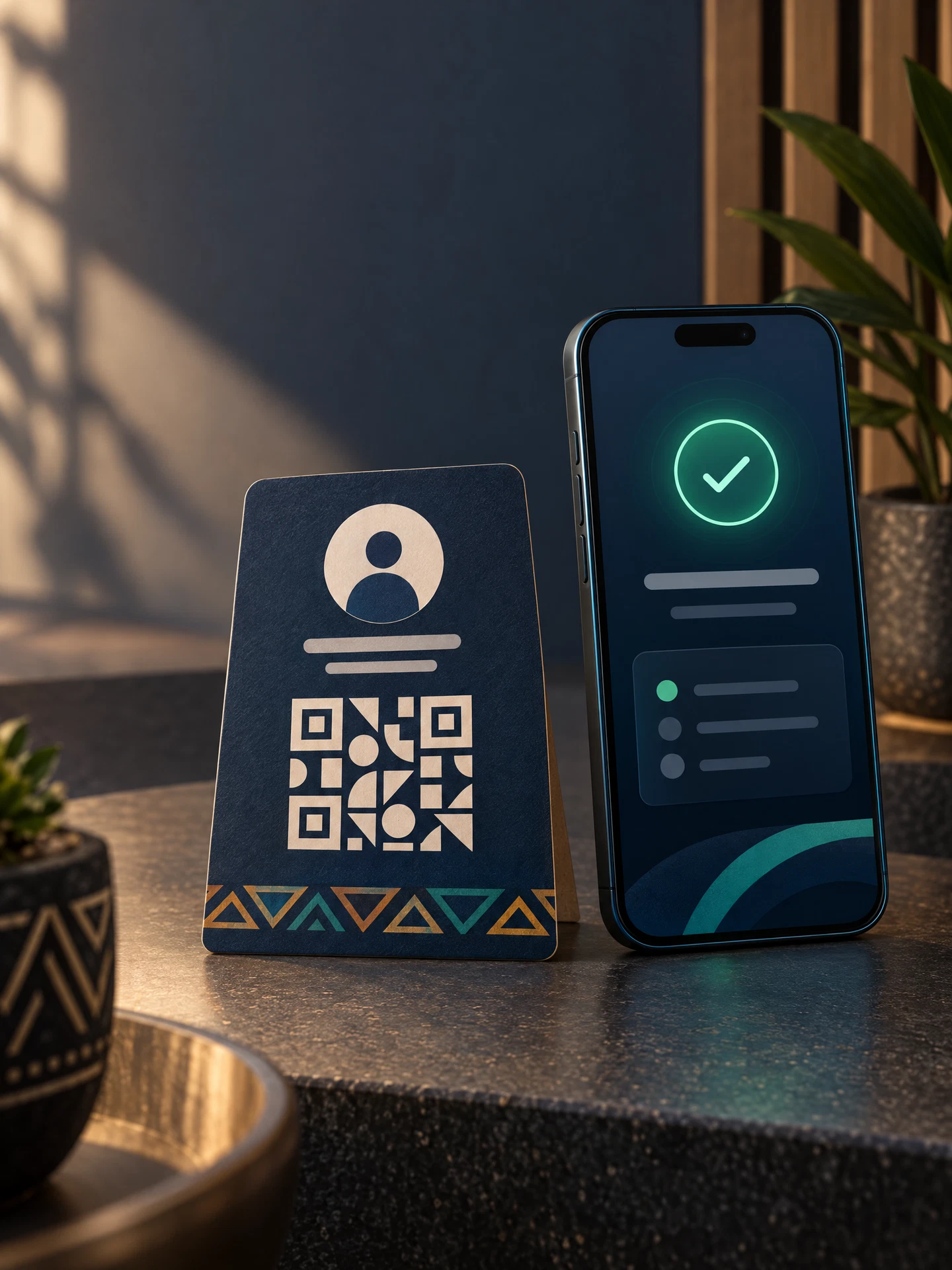
Open your phone’s camera and scan the code on the car guard’s ThankQ card.
Digital tipping for everyday thank yous.
ThankQ helps you tip your car guard from your phone. Scan their QR code, choose an amount and say thank you, even when you don’t have cash.
R5. R10. R15. R20. A thank you that works for you.
An everyday problem
Your car guard has helped you find a space, watched your car or guided you out of a busy parking area. You want to leave a tip, but you’re paying for almost everything by card.
ThankQ gives you another way to show your appreciation. A personal QR code connects you to the car guard’s tipping page, where you can choose your amount and follow the payment steps on your phone.
How it works at a glance
Open your phone’s camera and scan the code on the car guard’s ThankQ card.
Check the name and photo, select R5, R10, R15 or R20, and review the total before continuing.
Follow the payment steps on your phone and check the confirmation once your payment is complete.
Who it’s for
Leave a tip without searching for coins or stopping to draw cash. Open the tipping page from the car guard’s QR card and choose the amount you want to give.
How to leave a tipGive motorists another way to tip you. Your personal ThankQ QR card links to a page with your name and photo, helping people identify who they are tipping.
Find out about joining ThankQ View an example cardIntroduce a digital tipping option for the car guards at your shopping centre, retail site or parking area. Talk to us about bringing ThankQ to your site.
Talk to us about your site
A short introduction
ThankQ is a South African digital tipping platform focused on car guards and the motorists they assist. We bring a familiar gesture of appreciation into a world where fewer everyday purchases involve cash.
About ThankQFind out how ThankQ can work for you or the car guards at your site.
Get in touch